Never forget your lines again

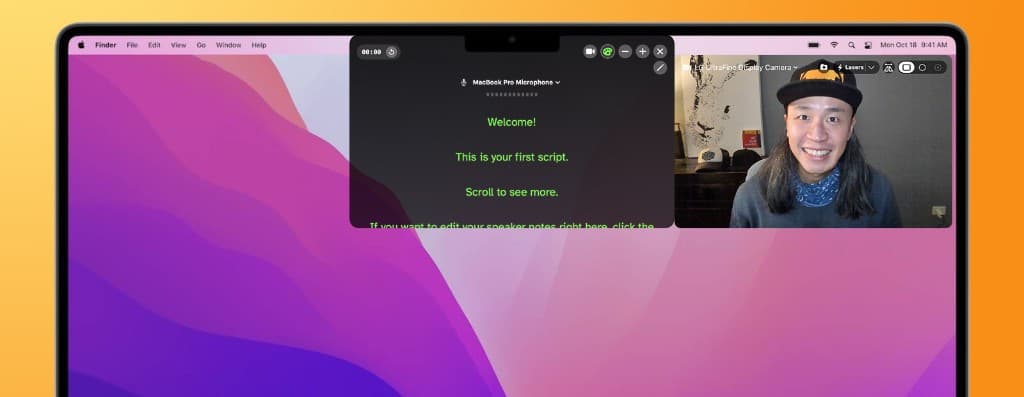
Prompt My Notch teleprompter at the MacBook notch with camera mirror

A teleprompter that stays invisible on screen share. No one will ever know.

Google Slides syncHidden from screen shareMirror Check

Available now

macOS 14.0 or later (Apple Silicon or Intel)

What's Prompt My Notch?

It's a native macOS app that puts your speaker notes in the notch — right below your camera — so you can read while maintaining eye contact.

Yeah but... why do I need this?

You know when you're on a Zoom interview or meeting and you need your notes, but your normal notes app shows up when you screen share? Or your notes are on another monitor and you break eye contact with the attendees? Prompt My Notch fixes that. The script sits where you're already looking. Your audience never sees it.

Google Slides sync

Presenting in Google Slides in the browser? Prompt My Notch reads which slide you're on and shows the matching speaker notes — automatically.

Make changes to your speaker notes and they are synced both ways.

  • Works in Chrome, Safari and more

Mirror Check

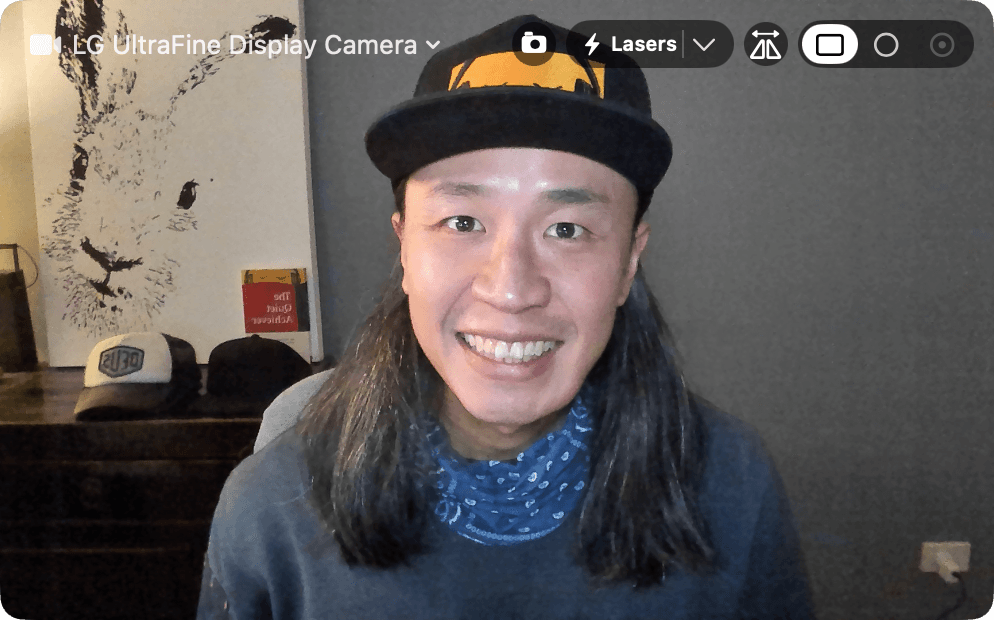
Want to look your best? Use Mirror Check for a quick look and make sure nothing embarrassing is in frame.

  • Horizontal flip for a natural mirror view
  • Rectangle or circle window
  • Switch cameras
Prompt My Notch Mirror Check camera preview
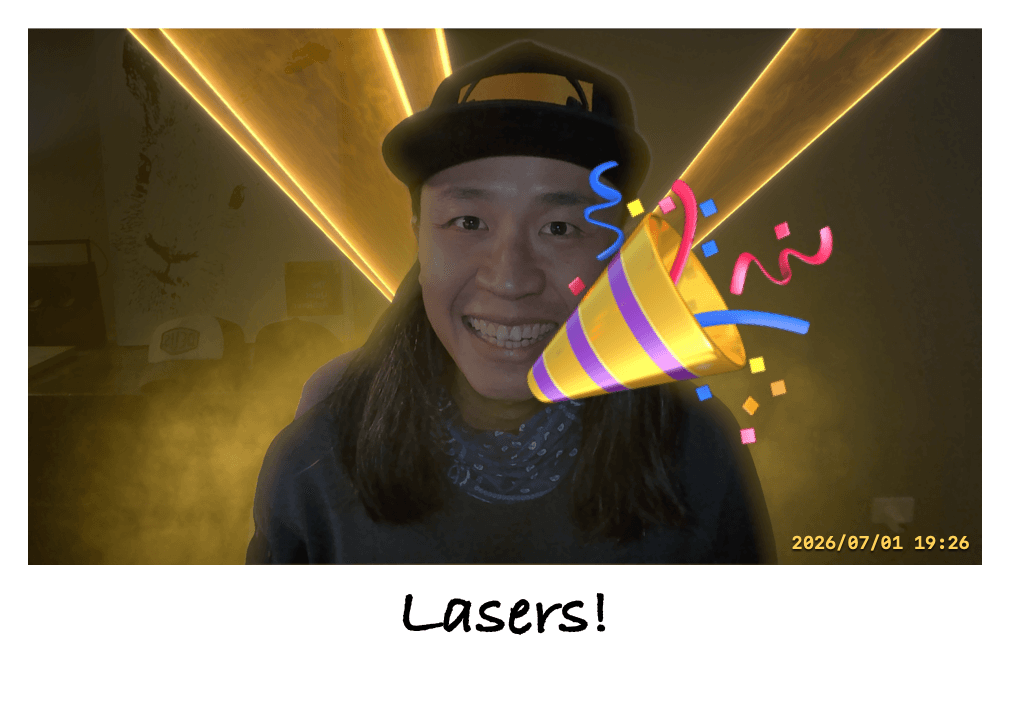
Take a photo

Save the moment

  • Click to add captions
  • Timestamp (in case you need proof of life 🤪)
  • Add effects, emojis 🎉
  • Use Apple's built-in camera reaction effects — Thumbs up, peace sign & more
Prompt My Notch Polaroid capture with caption editing

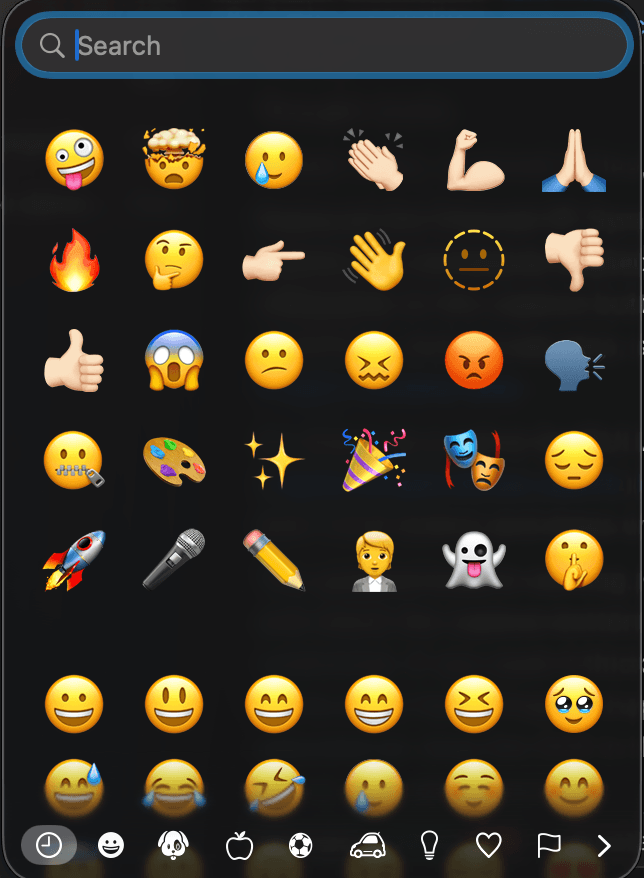
Stickers, because why not.

Choose from 1,900 emojis

Prompt My Notch emoji sticker picker

Fix a line without stopping the slideshow.

  • Per-slide editing during presentation
  • ALL CAPS emphasis on double-click
  • Save changes to Google Slides speaker notes

From our blog

Practical speaking and interview tips from The Quiet Leadership School notes.

6 min read

Eye Contact in Remote Meetings and Interviews: How to Build Rapport

Learn practical eye-contact tactics for Zoom interviews and virtual meetings so you look confident, build connection, and stop glancing away from the camera.

Read article →
7 min read

How to Prepare a Script That Sounds Natural (Not Robotic)

Use a simple scripting method with pause markers and emphasis cues so you remember your points and still sound like yourself.

Read article →

8 min read

Interview Phrases to Avoid (and What to Say Instead)

A practical interview reminder list: what not to say under pressure, plus better alternatives and story prompts so you stay clear and credible.

Read article →

Frequently asked questions

Yes. It sits on a macOS layer that screen capture doesn't see. Zoom, Google Meets, Microsoft Teams — none of them pick it up.

Prompt My Notch

Forget forgetting your lines

Tell us what you'll use it for and download Prompt My Notch.